

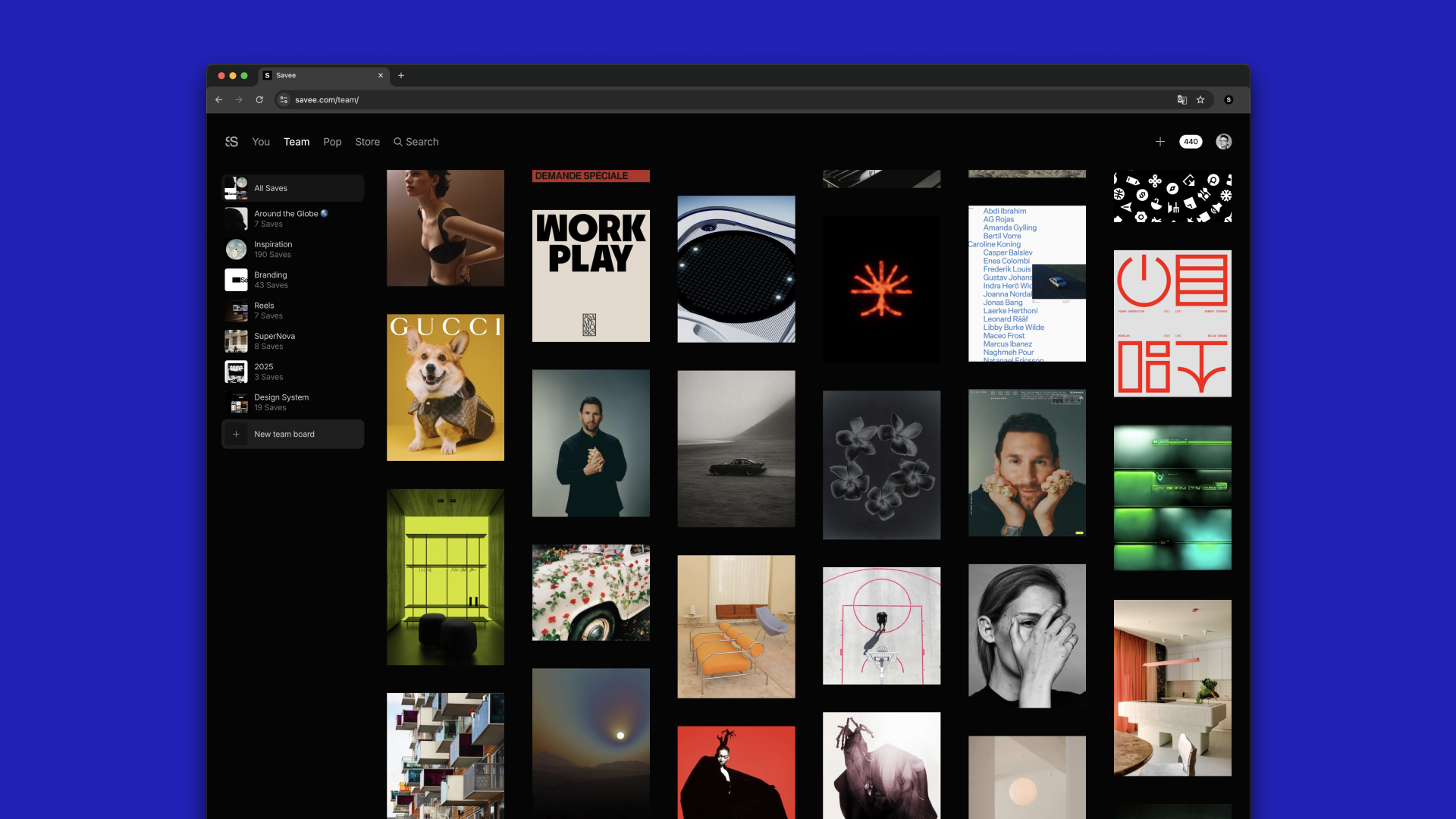
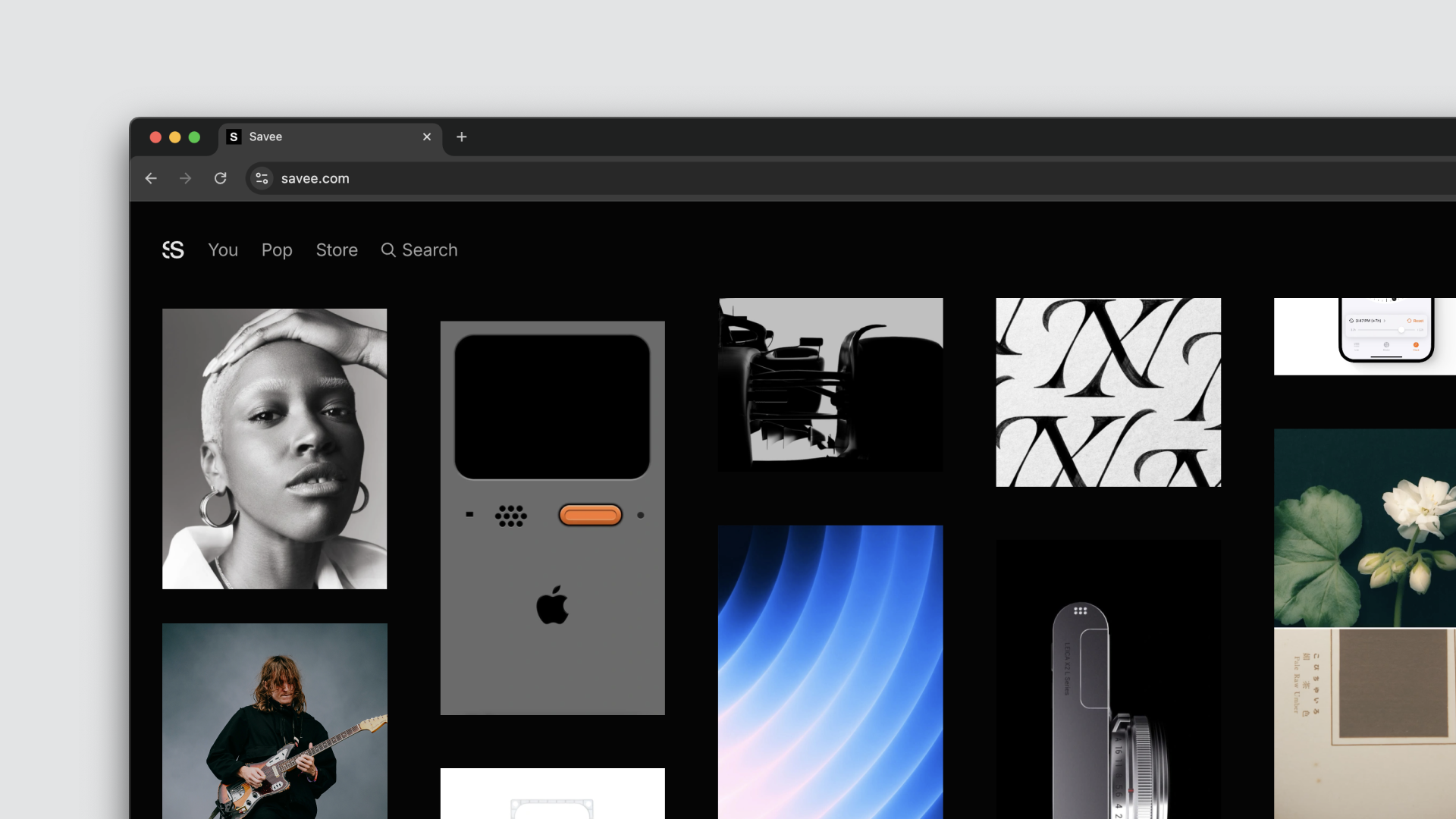
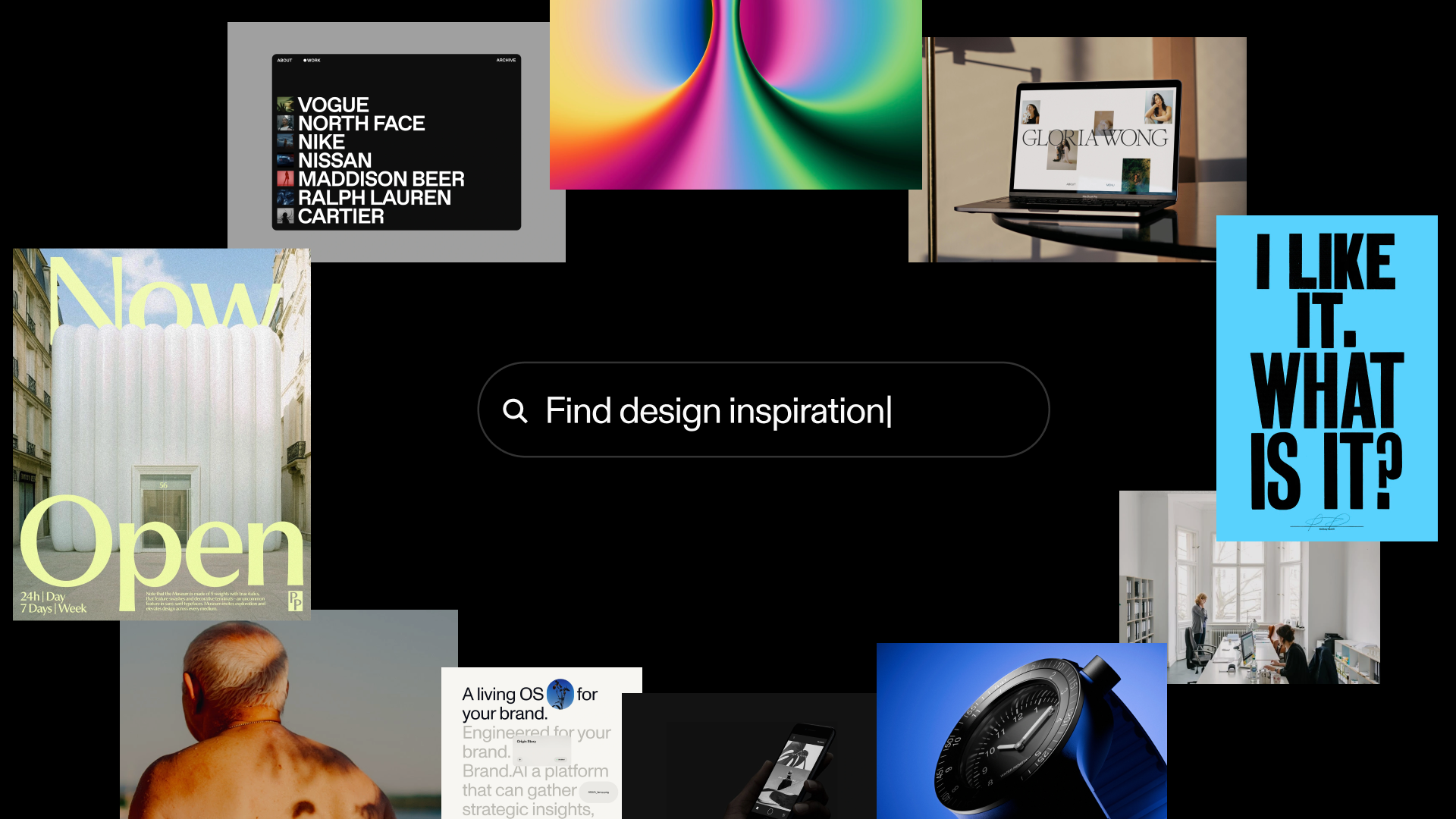






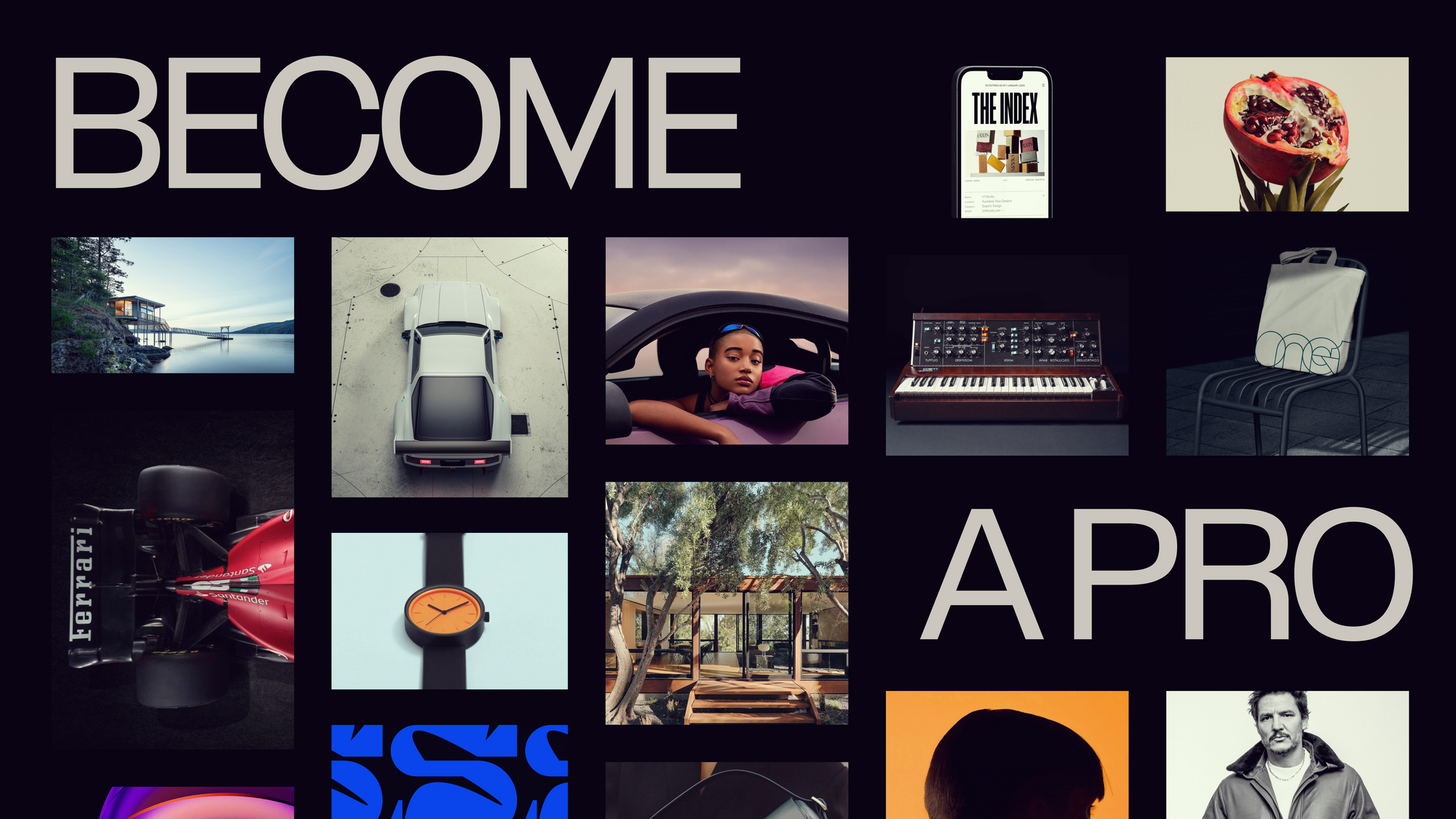


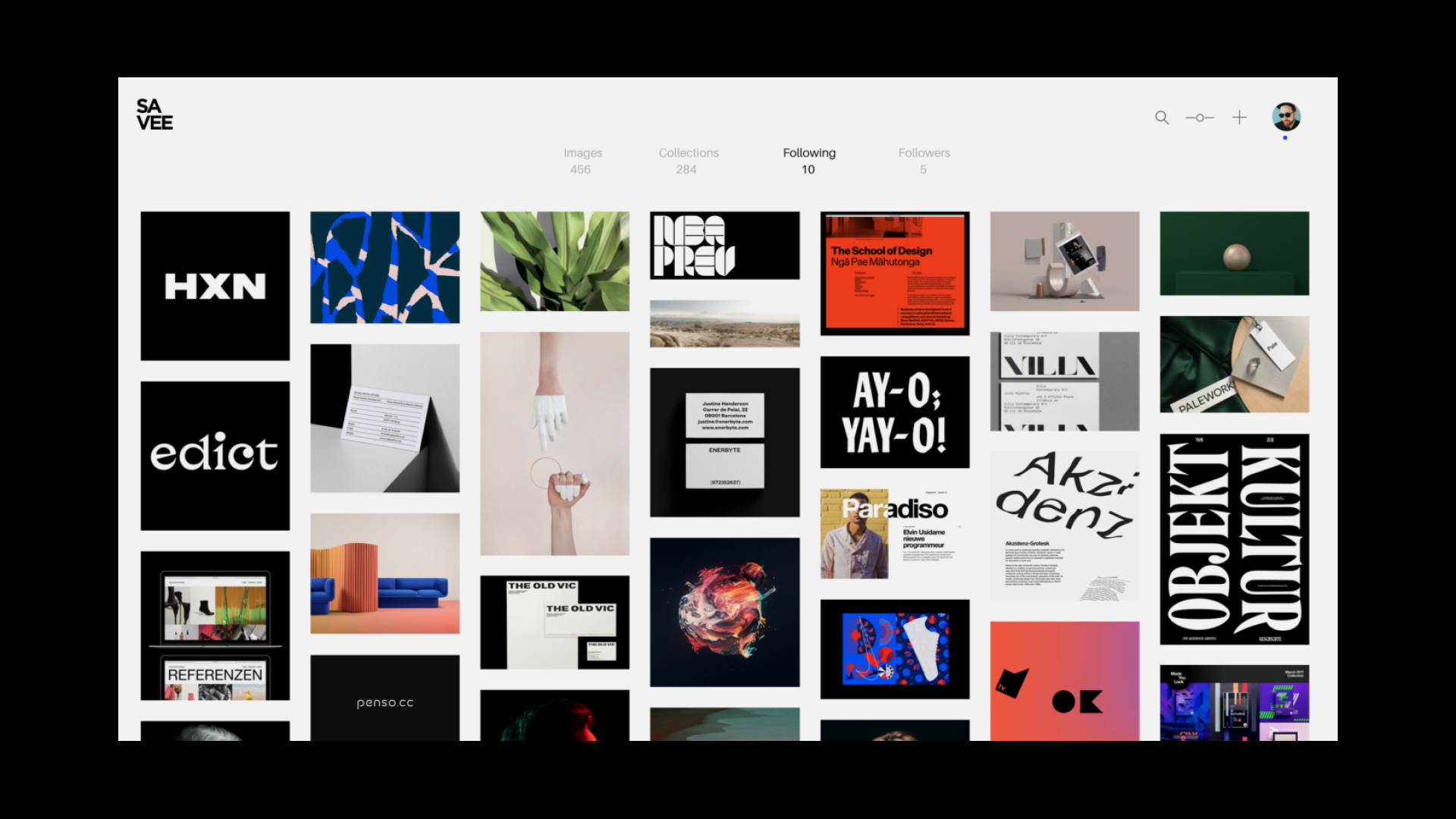
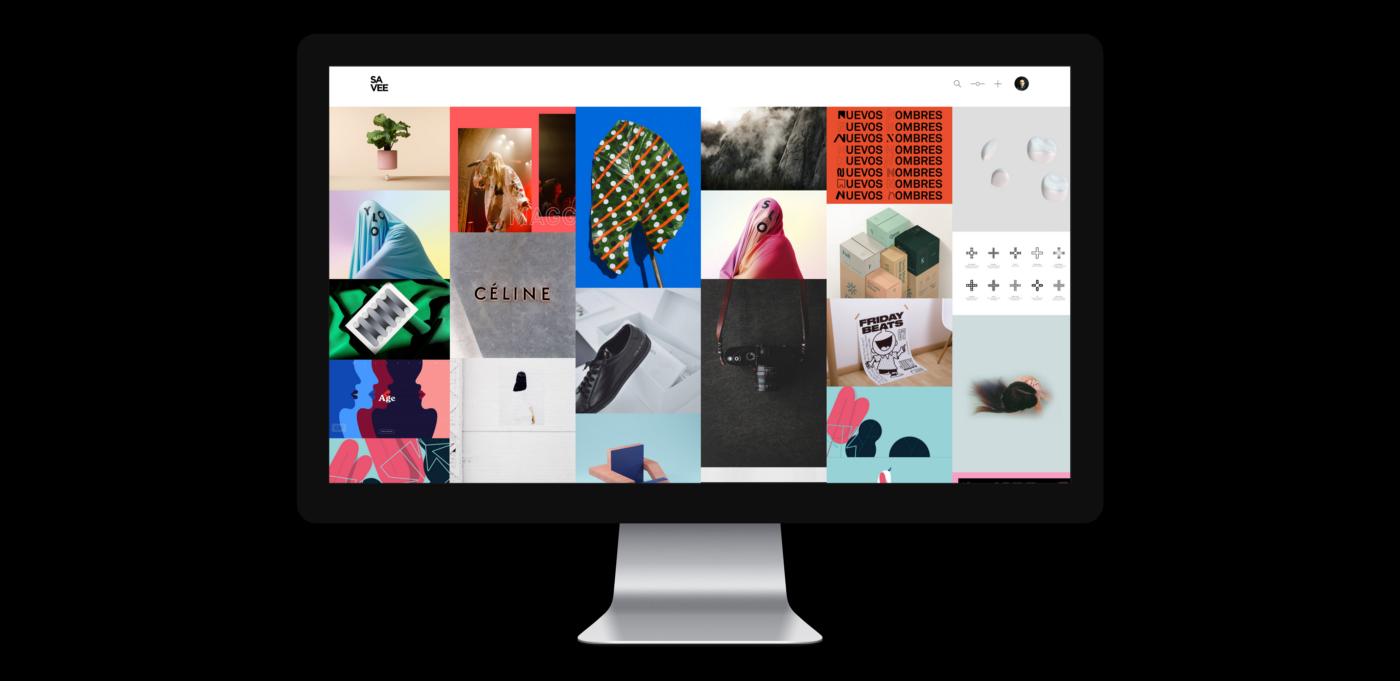

As a designer, some of my best work starts with a feeling — a color I saw somewhere, a layout that stuck with me, a typeface that felt exactly right for something I hadn't designed yet. That's why I built Savee. To have a place to hold all of that.
But there was always a gap between saving inspiration and actually using it. You're deep in a Figma file, you need a reference, and suddenly you're jumping between tabs, downloading images, losing your focus. The flow breaks right when you need it most.
That's why we brought your inspiration closer to you in Figma.
Your boards, inside Figma
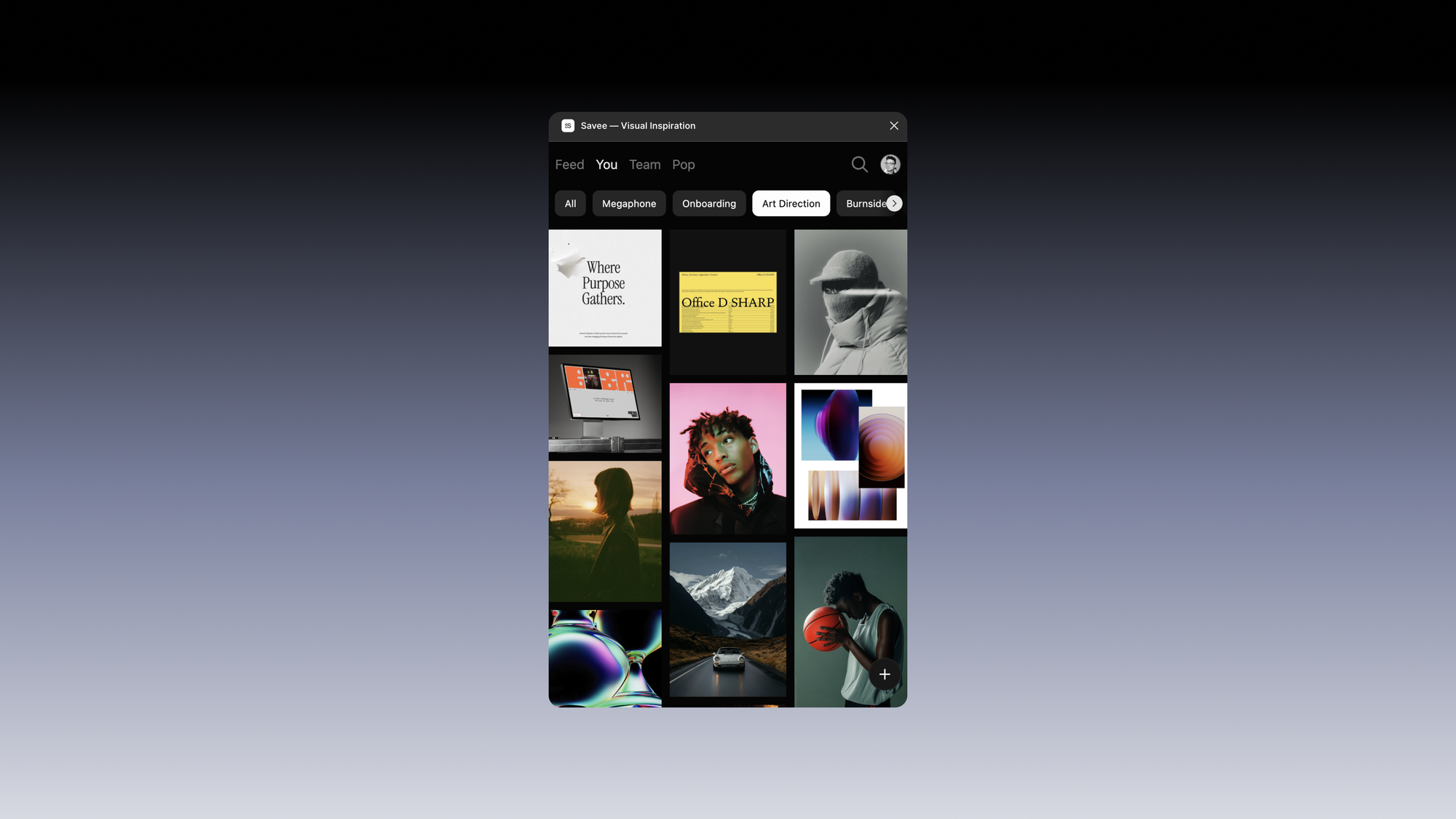
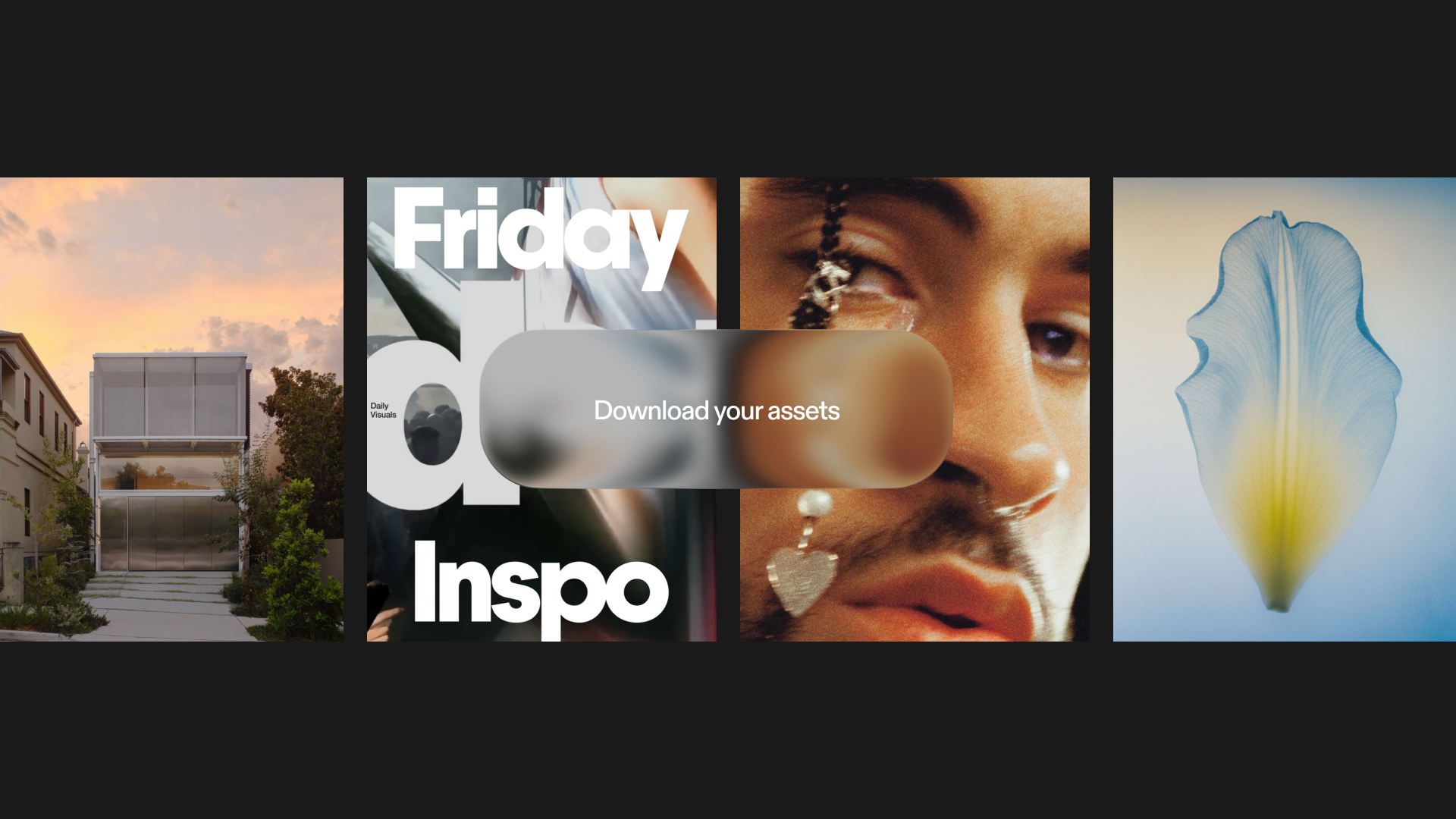
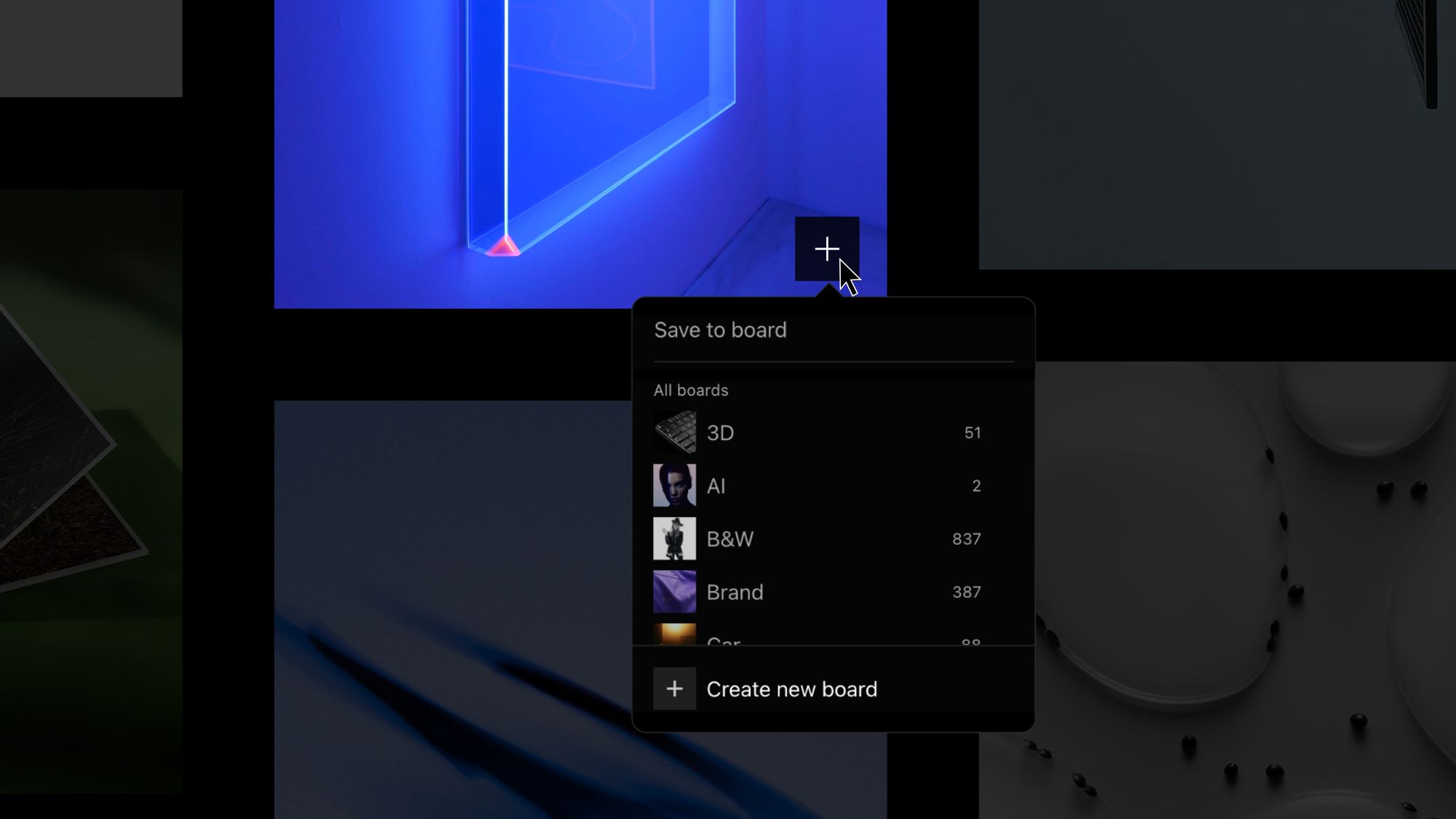
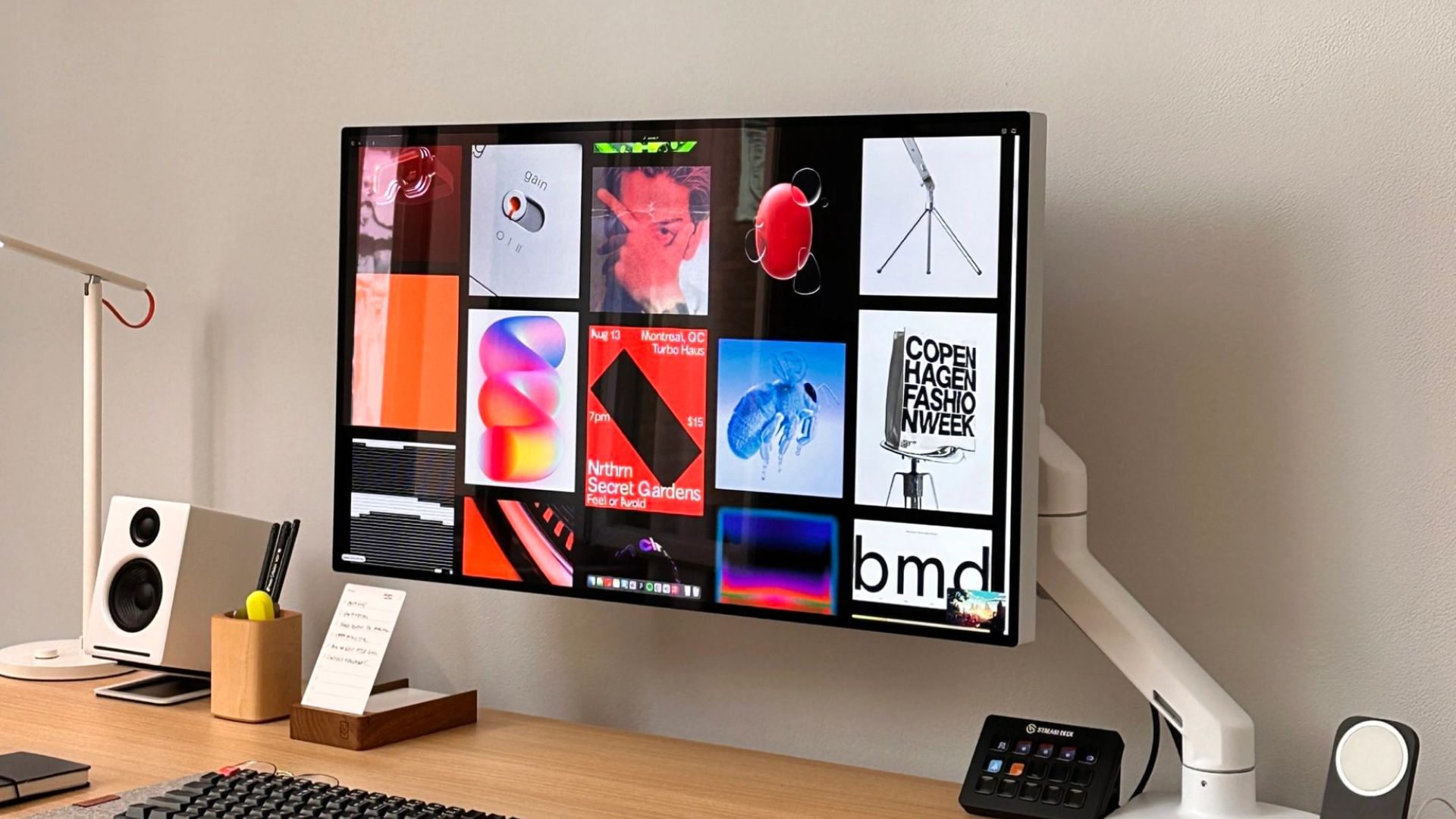
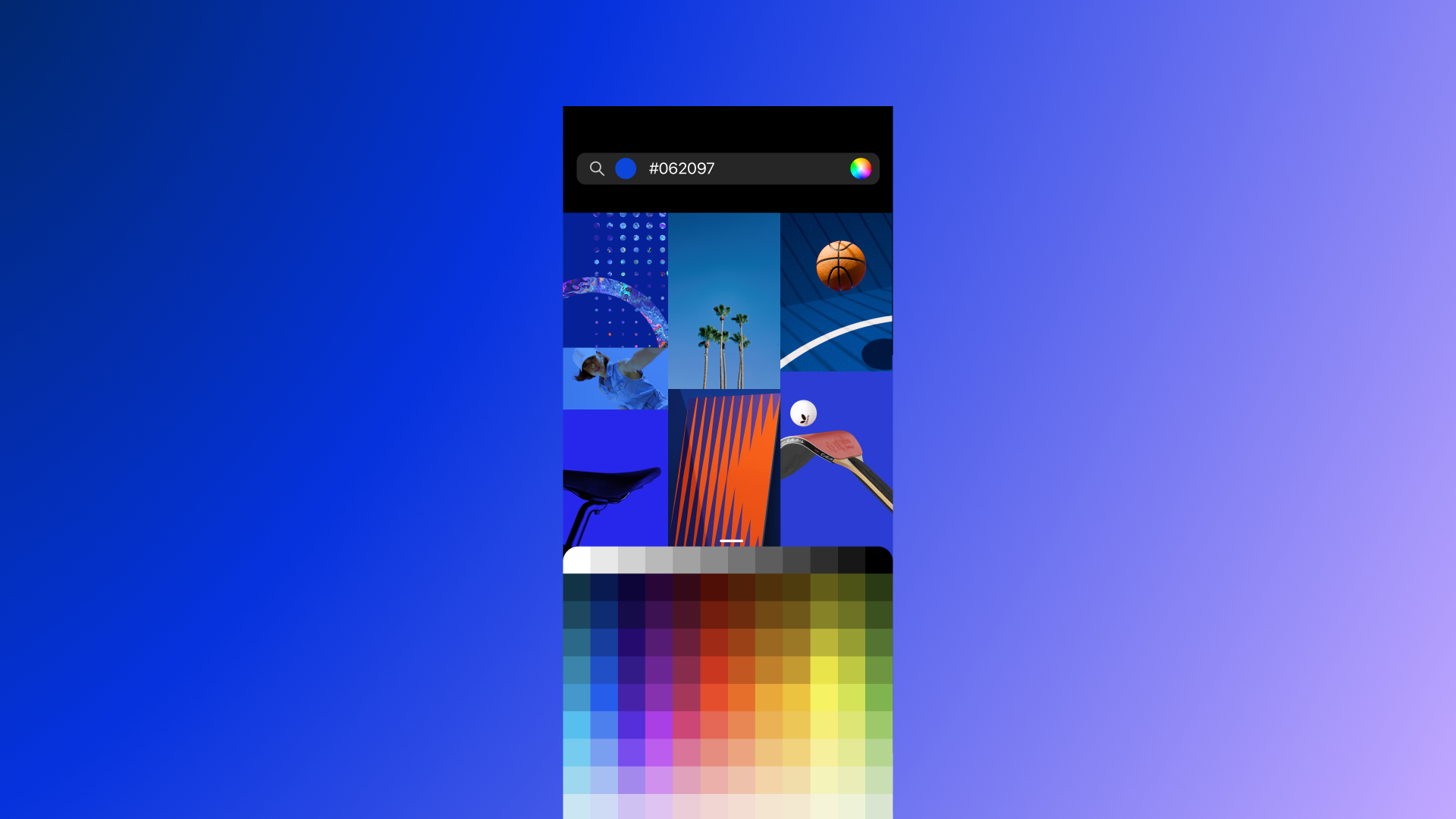
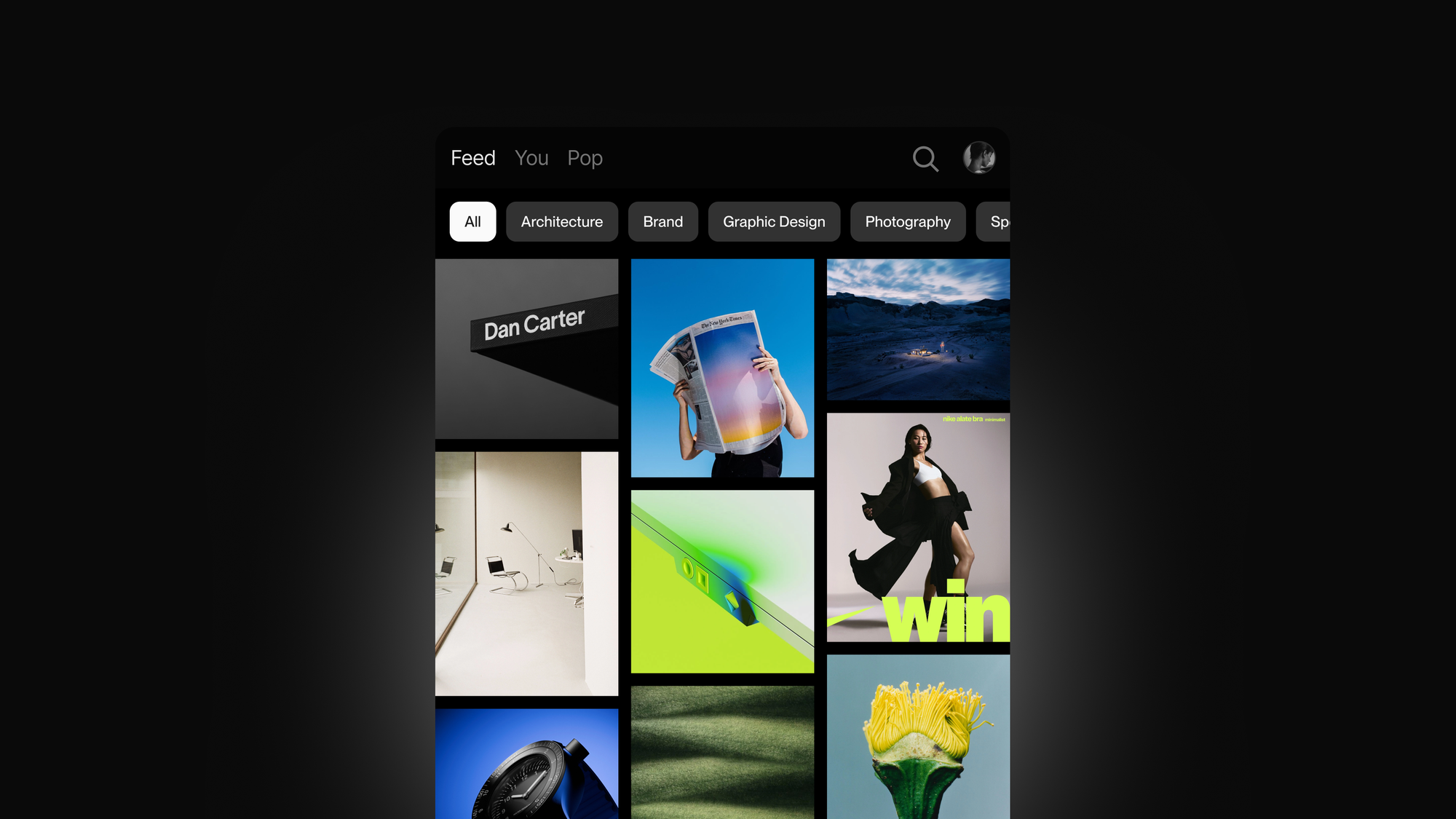
Open the plugin and your entire Savee library is right there. Browse your boards while you design, and drag anything straight onto your canvas. The image you saved three weeks ago is one click away from becoming part of your work.
For me, this changed how I design day to day. I keep my references close, I move faster, and I stay in the zone longer.
Upload your work back to Savee
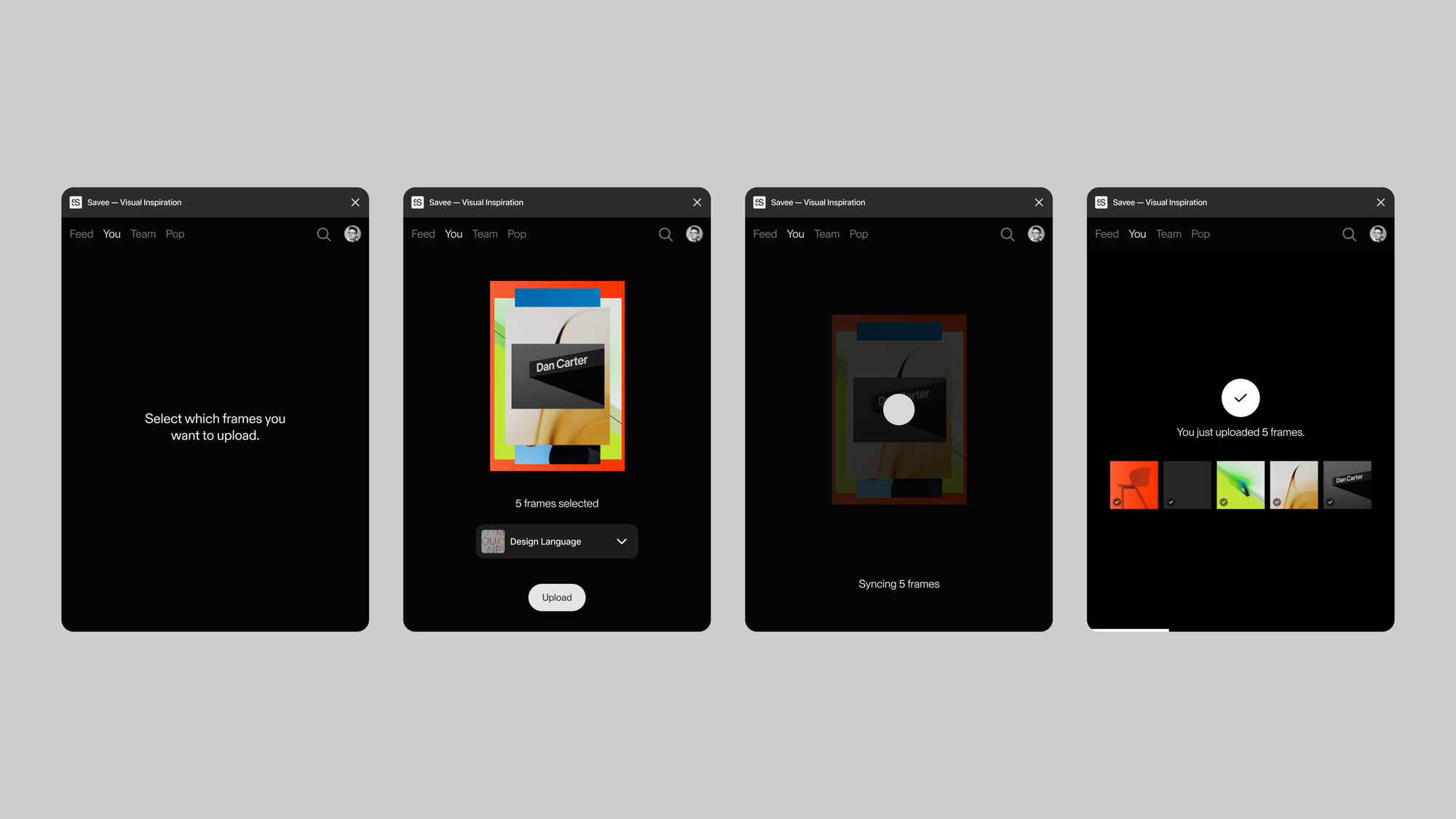
The plugin works both ways. When you finish a design, you can upload it directly from Figma back to your Savee boards. Your work and the inspiration behind it, living in the same place.
Built for teams
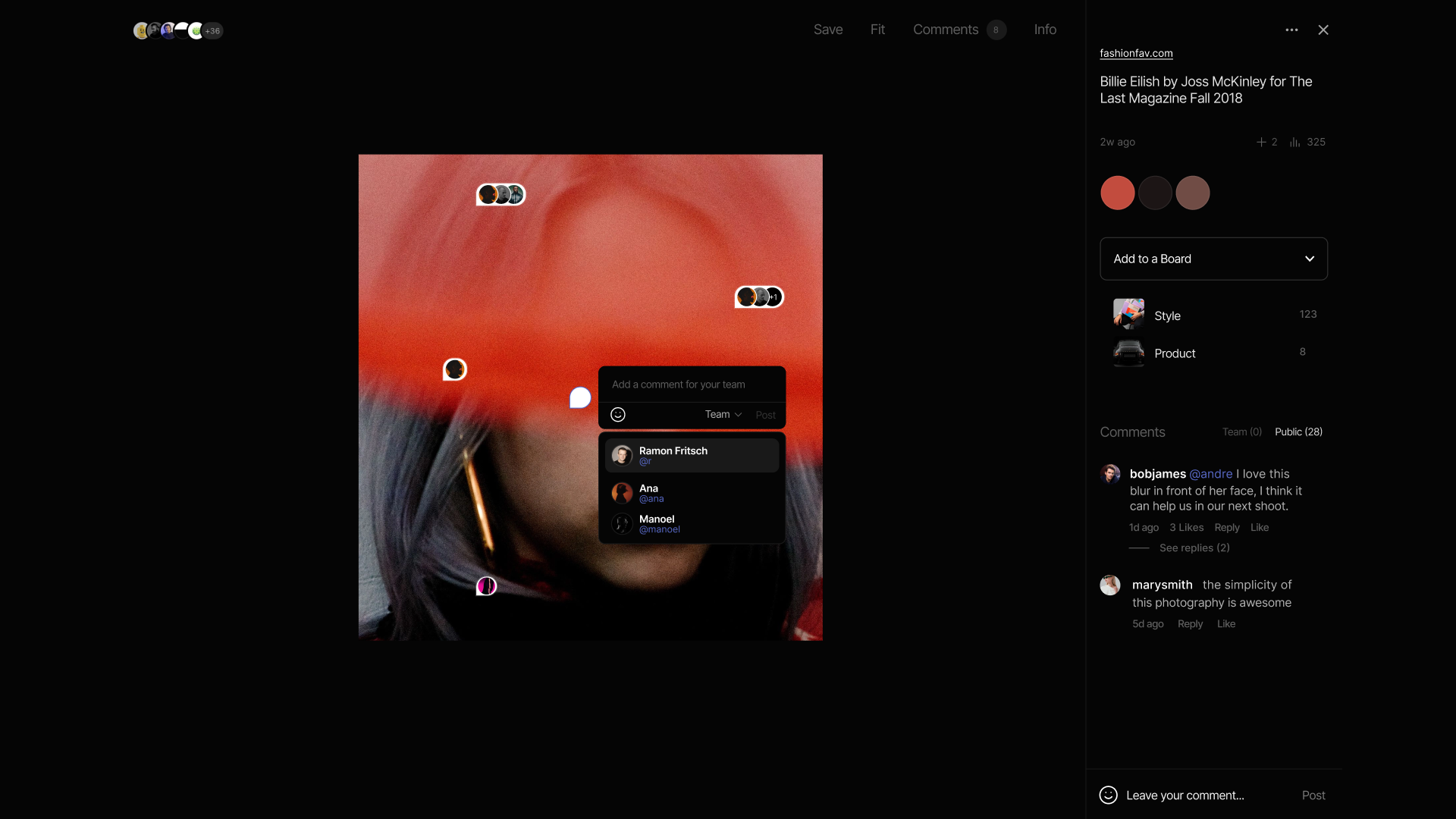
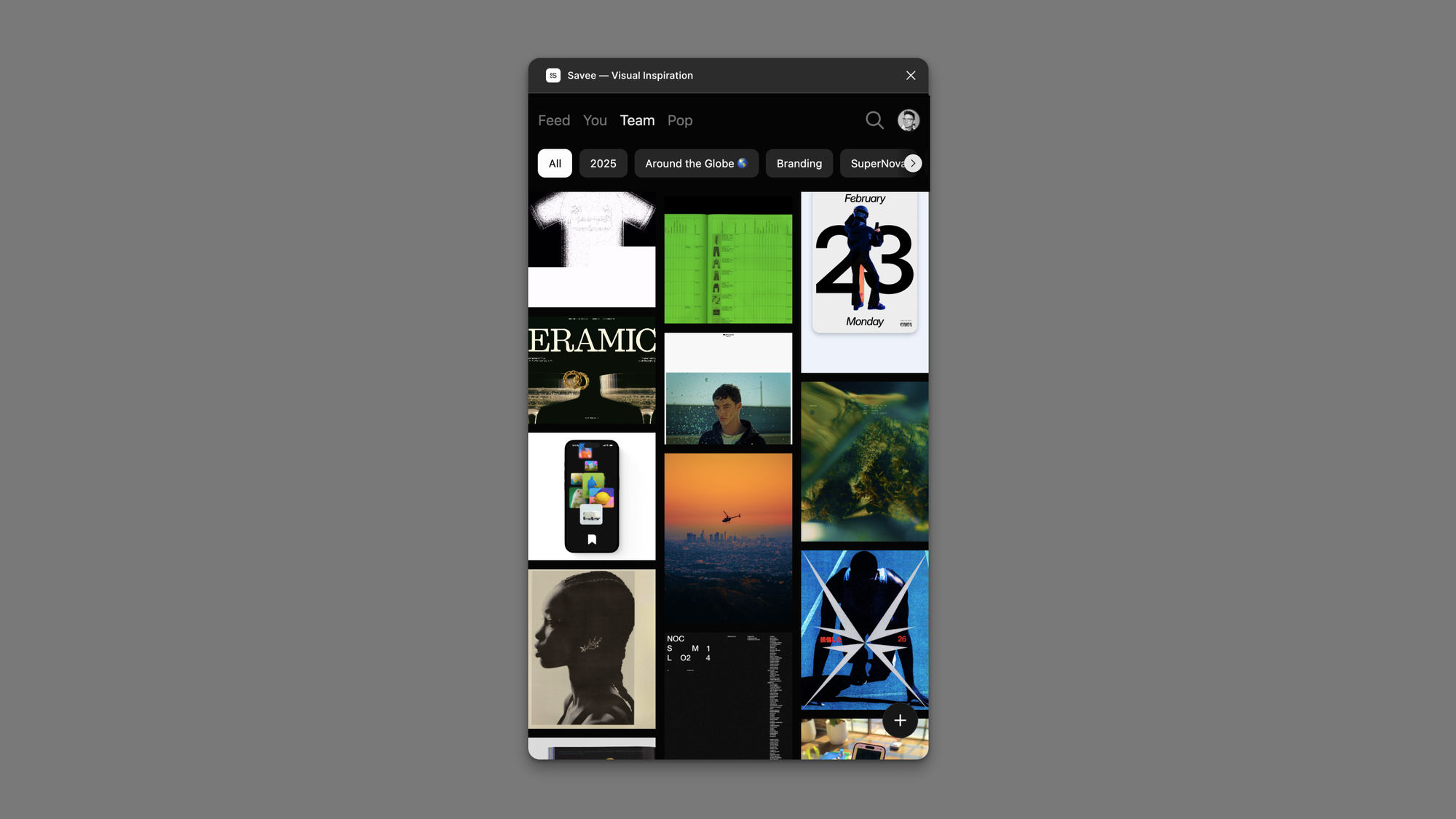
If you work with a team, the plugin keeps everyone visually aligned. Share boards, pull from the same references, and build a collective visual language without ever leaving your file.
The Savee Figma plugin is available now in the Figma Community. Search for Savee inside Figma and install it in seconds.
Enjoy,
Andre
Co-founder, Savee